A cleaner media
player workflow
Stream live TV, movies, and series with zero hassle — all from one elegant, easy-to-use player built for every screen.
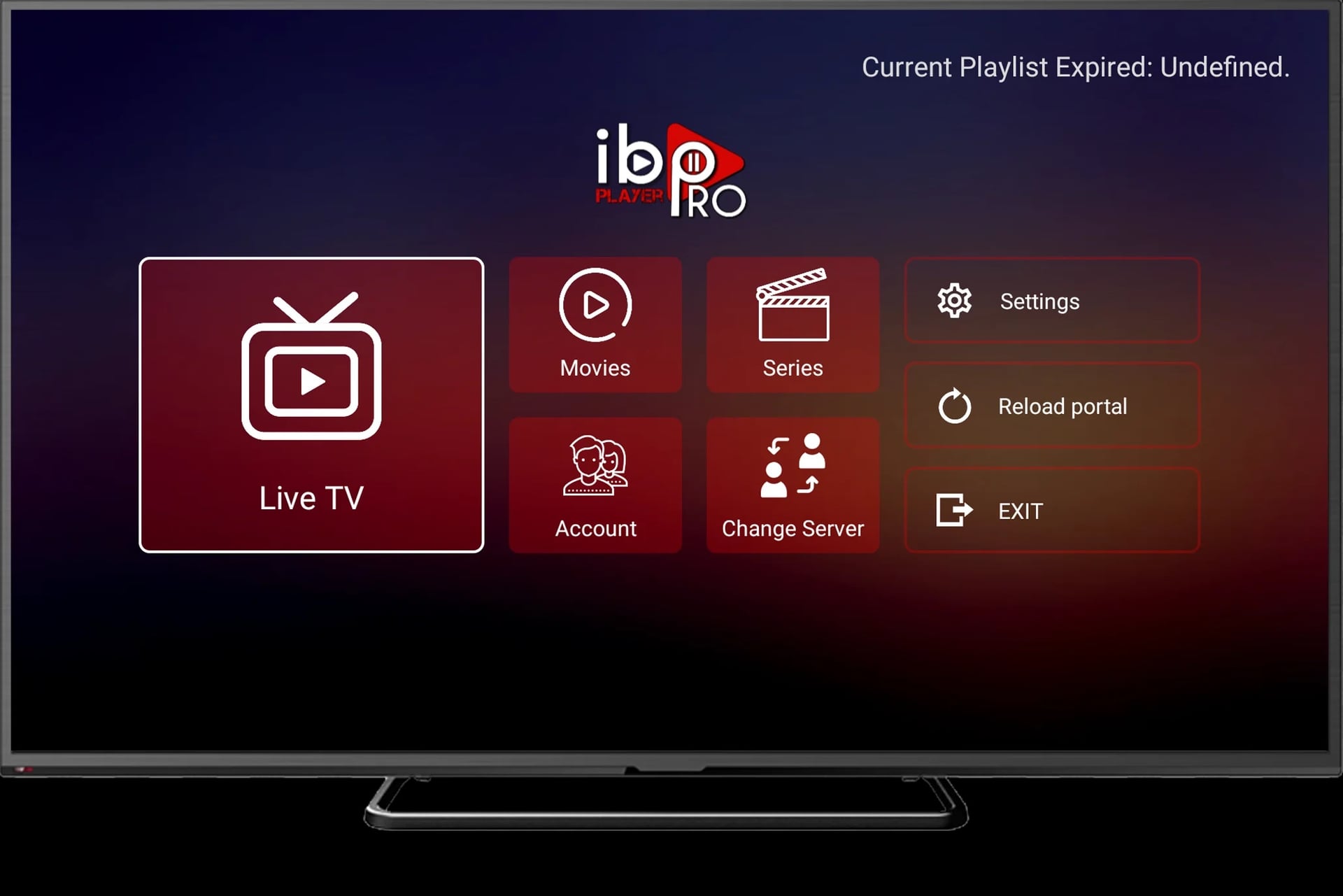
Designed for clarity,
built for performance
iBoTV Player Pro delivers a complete streaming experience built for every screen. Live TV, Movies, Series, and EPG guides are all accessible in seconds — no configuration required, no clutter in the way.
Compatible with Android TV, Amazon Fire Stick, Samsung, LG Smart TV, and more. One app, every device, zero compromise.
Core features
Everything you need for seamless entertainment, in one powerful player.
Simple Interface
Navigate channels, playlists, and settings without friction. Everything is exactly where you expect it to be — clean, logical, and fast.
Device Coverage
Works on Android TV, Amazon Fire Stick, Samsung Smart TV, LG, Windows Desktop, and ZEASN Whale OS — one app for every screen.
Fast Streaming
Our optimized buffer engine keeps your streams running smoothly even on slower connections, with near-instant channel switching.
Flexible Viewing
Full support for M3U, Xtream Codes, and EPG. Watch live TV, explore VOD libraries, and catch up on series — all in one place.
How it works
From choosing a plan to streaming in four simple steps.
Choose a Plan
Pick the subscription length that fits you, from 1 month to 12 months, on our Pricing page.
Message Us
Tap Choose Plan or Contact and your request is sent straight to our team on WhatsApp.
We Set You Up
Our team verifies your request and sets up your device within minutes — available 24/7.
Start Watching
Browse live channels, explore VOD libraries, and enjoy crystal-clear streaming immediately.
Simple, Transparent Pricing
Choose the plan that works for you. No hidden fees, cancel anytime.
1 Month
1 month
- Instant Activation!
- Free update (TVs and VODs)
- Fast & Stable
- Always Uptime Server
- 4K, UHD, FHD, HD, Channels
- Support All Device
- 24/7 Live Chat Support
3 Months
3 months
- Instant Activation!
- Free update (TVs and VODs)
- Fast & Stable
- Always Uptime Server
- 4K, UHD, FHD, HD, Channels
- Support All Device
- 24/7 Live Chat Support
6 Months
6 months
- Instant Activation!
- Free update (TVs and VODs)
- Fast & Stable
- Always Uptime Server
- 4K, UHD, FHD, HD, Channels
- Support All Device
- 24/7 Live Chat Support
12 Months
12 months
- Instant Activation!
- Free update (TVs and VODs)
- Fast & Stable
- Always Uptime Server
- 4K, UHD, FHD, HD, Channels
- Support All Device
- 24/7 Live Chat Support
Meet ibo player pro
iBoTV Player Pro is a smart media player designed for simplicity and reliability. Whether you're a home user who just wants to watch their favorite channels, or a reseller managing hundreds of devices — our platform adapts to your needs.
Built with performance in mind, ibo player pro delivers smooth playback, fast channel switching, and an elegant interface that works beautifully across every screen size. We believe watching TV should be effortless.
Important Disclaimer
iBoTV Player Pro is a media player application only. We do not provide, host, or distribute any streaming content, channels, or media. All content is supplied by third-party streaming service providers chosen by the user.
Users are solely responsible for ensuring that the streaming services they use are legally licensed in their country or region. iBoTV Player Pro assumes no liability for the content accessed through its platform.
By using ibo player pro, you agree to our Terms of Service and Privacy Policy. For legal inquiries, please contact our support team.
Platforms
ibo player pro runs on all major platforms and smart TV ecosystems.
Android & Fire TV
Compatible with all Android TV and Amazon Fire TV / Firestick devices.
Samsung TV
Available on Samsung Smart TVs running Tizen OS via the Samsung app store.
Windows Desktop
Full-featured desktop client for Windows 10 and Windows 11 users.
ZEASN / Whale OS
Find ibo player pro directly in the Whale Store on ZEASN-powered smart TVs.
Need a quick answer?
Browse the frequently asked questions on the right, or reach out to our support team directly for personalized assistance.
Contact supportiBoTV Player Pro is a smart media player that lets you stream content from your preferred provider across a wide range of devices and platforms.
ibo player pro supports Android TV, Amazon Fire Stick, Samsung Smart TV, LG Smart TV, Windows Desktop, and ZEASN / Whale OS devices. More platforms are added regularly.
No. iBoTV Player Pro is a media player only. We do not provide, host, or distribute any channels, streams, or content. You must have your own streaming subscription from a third-party provider.
Choose a plan on our Pricing page and tap Choose Plan, or reach out via Contact — our team verifies your request and activates your device over WhatsApp within minutes.